
Why does my VPN work on mobile data but not on Wi-Fi, or the other way round?
Updated
Also in: Español
When a VPN works on one network and fails on another, the phone and server are fine; the network is the difference. On Wi-Fi it is usually a router firewall, blocked UDP, a login page or parental controls. On mobile data it is usually a data restriction on the app, an IPv6-only carrier network or a packet size (MTU) problem.
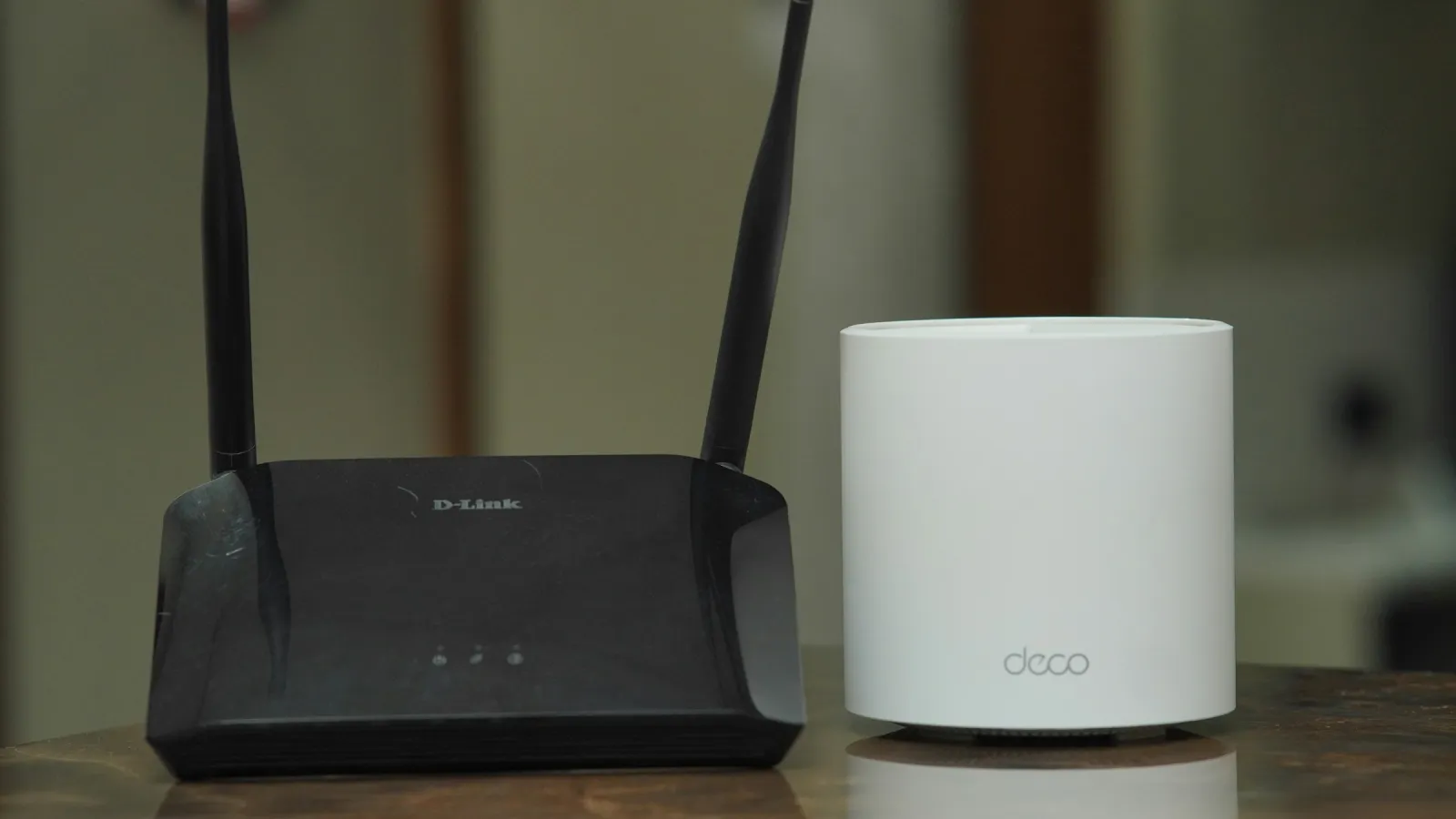
The VPN connects instantly on mobile data, but at home it spins on "Connecting…". Or the reverse: fine on Wi-Fi, dead on 4G or 5G. Both are common, and both point to the same thing: one of the two networks treats VPN traffic differently. Reinstalling the app rarely helps. Finding out what the network does, and changing one setting, usually does.
This guide covers both directions, with a table to find your case quickly and step-by-step checks for Android.
Quick diagnosis: symptom, cause, fix
| Symptom | Likely cause | Fix |
|---|---|---|
| Fails on one Wi-Fi only (hotel, office, campus); works on mobile data | The network's firewall blocks VPN protocols or everything except web ports | Use a protocol on TCP 443 that looks like HTTPS, such as VLESS with Reality |
| Fails on home Wi-Fi only | Router firewall, "VPN passthrough" off, UDP filtering, or parental controls on the router | Check the router settings below, or switch to a TCP 443 protocol |
| Nothing loads on a new Wi-Fi, with or without VPN | Captive portal: a login or terms page you haven't accepted | Turn the VPN off, open http://neverssl.com, accept the page, reconnect |
| Connects on Wi-Fi, some sites hang or load half-way | MTU: large packets are dropped somewhere on the path | Try another protocol; restart the router; lower the router's MTU only if you know how |
| Connects, but no site opens on one network | Private DNS or a DNS filter on that network | Set Private DNS to Automatic and test again |
| Works on Wi-Fi, never connects on mobile data | The VPN app has no mobile data access, or Data Saver blocks it | Allow mobile data and unrestricted data for the VPN app |
| Works on Wi-Fi, connects on mobile data but nothing loads | IPv6-only carrier network or carrier-grade NAT dropping idle UDP | Switch protocol; check the APN; restart mobile data |
| Works on Wi-Fi, fails on mobile data abroad | Roaming off, or a roaming partner network filtering traffic | Turn on data roaming; try a TCP 443 protocol |
| Fails on mobile data only with one plan or prepaid SIM | Carrier restricts VPN or tethering on that plan | Check the plan's terms or ask the carrier |
When the VPN works on mobile data but not on Wi-Fi
The Wi-Fi network blocks VPN traffic
Guest and managed networks often allow only web ports (80 and 443) or recognise the WireGuard and OpenVPN handshakes and drop them. Our guide on VPNs failing on hotel and office Wi-Fi explains how this works. The short fix is a protocol that runs over TCP on port 443 and looks like normal HTTPS. Respect the network's rules: if an employer or school forbids VPNs on its Wi-Fi, use mobile data instead.
Home router settings
On your own Wi-Fi you can check the router directly. Log in to its admin page (the address is usually on a sticker on the router) and look for:
- Firewall level. "High" or "strict" presets on some routers block outgoing UDP on unusual ports. WireGuard uses UDP. Set the firewall to the default level.
- VPN passthrough. Many routers have IPsec, PPTP and L2TP passthrough switches. They matter for those older protocols, and turning them off can break them. WireGuard and Reality are normal UDP and TCP traffic and don't need passthrough, but if passthrough is off and VPNs fail, that often means a stricter preset is active.
- Parental controls or "family protection". These often block VPNs on purpose, because a VPN would route around the filter. If your router or ISP has such a feature, it decides what is allowed on that network.
- Router firmware. Old firmware has bugs with UDP sessions. An update fixes more than you would expect.
A quick test: restart the router. It clears stuck connection tables, which can make WireGuard fail after hours of uptime.
Captive portals
Hotels, cafés and trains show a login page before they let you online. While the page is pending, the network blocks everything, including the VPN. Turn the VPN off (and temporarily turn off "Block connections without VPN" if you use Always-on), open http://neverssl.com, accept the terms, then reconnect.
Private DNS
Android's Private DNS (Settings → Network & internet → Private DNS) encrypts DNS lookups. If you entered a custom provider hostname and that provider is unreachable from one network, names stop resolving on that network and it looks like the VPN is broken. Set it to Automatic, which is Android's default, and test again (Google's network settings help).
When the VPN works on Wi-Fi but not on mobile data
The VPN app can't use mobile data
Android can deny an app mobile data entirely. Open Settings → Apps → your VPN app → Mobile data & Wi-Fi (the name differs by phone) and check that mobile data and background data are allowed. If Data Saver is on, apps get mobile data in the background only when they are marked as unrestricted (Data Saver help). Turn on Unrestricted data for the VPN app.
IPv6-only networks and carrier NAT
Many carriers now give phones an IPv6 address only and translate to IPv4 in their network. Most apps don't notice, and neither do modern VPN apps that use the phone's normal network stack. Problems appear when the translation drops long-lived UDP sessions or when an app expects IPv4 everywhere.
Carriers also share one public IPv4 address between many customers (carrier-grade NAT). Their NAT forgets idle UDP sessions quickly. VPNs counter this with keep-alive packets every 20 to 30 seconds. If the tunnel connects and then goes silent, switching to a TCP-based protocol usually solves it.
APN settings
The APN tells your phone how to reach the carrier's data network. A wrong or outdated APN can give you a working browser but break other traffic. Open Settings → Network & internet → SIMs → Access point names and choose Reset to default. Don't edit values unless your carrier gives them to you.
MTU problems
Every network has a maximum packet size. A VPN adds its own header, so a full-size packet no longer fits. If the network silently drops oversized packets, the tunnel connects, small requests work, and large pages or downloads hang. Mobile networks with extra tunnelling inside the carrier are the usual suspects. Well-configured VPNs pick a conservative tunnel MTU for this reason. On your side, switching protocol is the practical test.
Carrier restrictions
Some prepaid and low-cost plans restrict VPN use, and a few carriers throttle or filter traffic they can't classify. Check your plan's terms. If VPN use is allowed but one protocol fails, try another.
Roaming
Abroad, data roaming must be on, and the partner network may treat traffic differently from your home carrier. See using a VPN on mobile data while roaming.
Step-by-step on Android
- Compare both networks. Turn Wi-Fi off and connect on mobile data, then the reverse. Note which one fails.
- Rule out a login page. On the failing Wi-Fi, disconnect the VPN and open
http://neverssl.com. - Switch protocol. In your VPN app, move from WireGuard to a TCP 443 mode, or to automatic selection.
- Check app data access. Settings → Apps → VPN app → mobile data and unrestricted data on.
- Reset Private DNS to Automatic.
- Restart the network side. Toggle airplane mode for ten seconds (mobile) or restart the router (home Wi-Fi).
- Set the date and time to automatic. A wrong clock breaks encrypted handshakes on any network.
If the VPN connects but pages still don't load, our guide on VPN connected but no internet goes further. If it drops every few minutes, see why a VPN keeps disconnecting on Android.
How SimpleV handles different networks
- Automatic protocol. SimpleV tries WireGuard first. If WireGuard gets no handshake within a few seconds, it connects with VLESS with Reality, which runs over TCP on port 443 and looks like ordinary HTTPS. After WireGuard fails, Automatic goes straight to Reality for a while, so you don't wait on every reconnect.
- Pinned protocol. You can choose WireGuard or Xray Reality in Settings → Protocol. If you pinned WireGuard and the network blocks it, the app says so and suggests Automatic.
- Mobile-friendly settings. WireGuard runs with a 1280-byte MTU and a keep-alive every 25 seconds, which suits carrier networks with small packets and short NAT timeouts. IPv6 traffic is routed into the tunnel too.
- Free plan: 500 MB a day without an account, on both protocols. Premium: no daily limit, more locations, up to 5 devices.
FAQ
Why does my VPN work on mobile data but not on my home Wi-Fi?
Your router or internet provider treats VPN traffic differently from your carrier. Check the router's firewall level and parental controls, restart the router, and try a protocol on TCP port 443.
Why does my VPN work on Wi-Fi but not on mobile data?
Usually the VPN app is not allowed to use mobile data, Data Saver restricts it, or the carrier network drops the protocol. Allow unrestricted data for the app and try a different protocol.
Do I need to enable VPN passthrough on my router?
Only for older protocols such as IPsec, L2TP and PPTP. WireGuard and VLESS with Reality are ordinary UDP and TCP traffic and work without it.
Can my mobile carrier block VPNs?
Some plans restrict them in their terms, and some networks filter traffic they can't classify. A protocol that looks like normal HTTPS on port 443 is affected least, but check what your plan allows.
Does Private DNS conflict with a VPN?
Not on its default Automatic setting. A custom Private DNS hostname that is unreachable on one network can stop all name lookups there, which looks like a VPN failure.