
Why is my VPN slowing down my internet?
Updated
Also in: Español
Every VPN adds a detour and some encryption work, so a small slowdown is normal. A big one usually has a simple cause: a server far away, a busy server, a protocol that suits your network badly, weak signal, or another app fighting the VPN. Pick a nearer location, try another protocol and test fairly before and after.
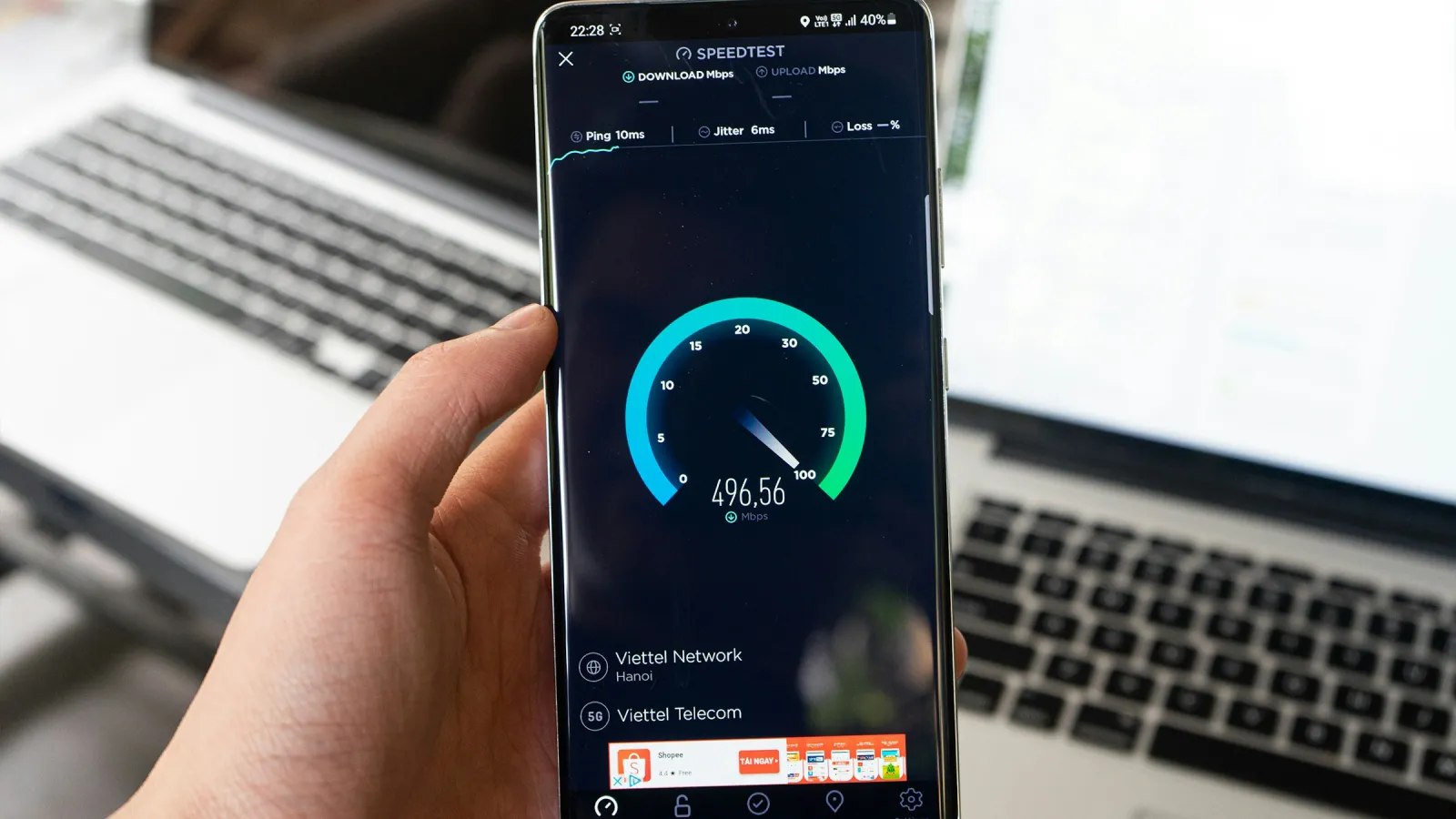
You switch the VPN on and pages take longer, videos drop to a lower quality, or a speed test shows half of what you had a minute ago. Some slowdown is part of how a VPN works. A lot of slowdown is almost always fixable. This guide explains where the lost speed goes, what is normal, and what to change on Android, step by step.
Why a VPN slows your connection down
Without a VPN, your phone talks to a website directly. With a VPN, every request first travels to the VPN server, gets decrypted there, goes to the website, and the answer comes back the same way. Several things add up along that path.
Distance and latency
Data can't travel faster than light through fibre, and every router on the way adds a little delay. If you are in Madrid and the VPN server is in Tokyo, each request crosses the world twice. That shows up as higher latency (ping): pages start loading later, and video calls lag. Download speed suffers too, because TCP, the protocol most apps use, ramps up more slowly when every round trip takes longer.
Encryption and packet overhead
The VPN encrypts every packet on your phone and decrypts it on the server. On a modern phone with a lean protocol like WireGuard this costs very little. Each packet also carries a small extra header, so a few percent of your bandwidth goes to the tunnel itself. You will rarely notice either on their own.
Server load
A VPN server is shared. If many people use the same server at once, or its own uplink is busy, everyone on it slows down. This is the usual reason one location is fast in the morning and slow in the evening.
The protocol
Protocols behave differently on different networks:
| Protocol | Runs over | Speed on a good network | On a network that limits UDP |
|---|---|---|---|
| WireGuard | UDP | Fastest, lightest on battery | May be slow, unstable or blocked |
| VLESS with Reality | TCP, port 443 | Slightly more overhead | Usually works, looks like HTTPS |
| OpenVPN | UDP or TCP | Heavier, slower than WireGuard | TCP mode works, but slowly |
Our comparison of WireGuard, OpenVPN and VLESS Reality goes deeper.
TCP inside TCP
When a VPN runs over TCP and the app inside it also uses TCP, both layers try to recover lost packets. On a clean connection that's fine. On a lossy one (weak mobile signal, crowded Wi-Fi) the two layers can slow each other down, and speed falls off sharply. That's why a UDP protocol like WireGuard is usually faster when it isn't blocked, and a TCP protocol is the backup for networks that block UDP.
Your own connection
A VPN can't be faster than the network under it. Weak mobile signal, a crowded café Wi-Fi or a 2.4 GHz connection through two walls slows everything down, and the VPN often gets the blame.
Networks that slow down VPN traffic
Some networks deliberately rate-limit traffic. Hotel, campus and office networks often cap or deprioritise UDP or traffic they can't identify, which hits VPN protocols. Mobile plans that slow you down after a fair-use limit slow the VPN too. In those cases the cause is the network's policy, not the VPN server, and switching protocol may or may not help. Please respect the rules of networks you use at work or school.
How much slowdown is normal?
There's no single number, but these ranges are a fair guide for a modern protocol on a decent connection:
| Situation | What to expect |
|---|---|
| Server in your country or a neighbouring one | Small loss, often 5–20% of download speed, a few ms more ping |
| Server on the same continent | Noticeably more ping, speed still fine for HD video |
| Server on another continent | Ping 150 ms or more, slower page starts, lower speed |
| Busy evening hours on a shared server | Varies, can be much slower |
| Speed halves or worse on a nearby server | Not normal: work through the checklist below |
For browsing, messaging and video, 10–20 Mbps through the VPN is plenty. A speed test number drops more than daily use feels.
Fix a slow VPN on Android: step by step
- Pick a location close to you. Unless you need a specific country, the nearest location almost always gives the best speed and lowest ping.
- Try another location nearby. If the nearest one is slow, a server may be busy. A neighbouring country is often just as fast.
- Switch the protocol. If your app has an automatic mode, use it. If it's still slow, try WireGuard on its own, then a TCP protocol like VLESS with Reality. On networks that throttle UDP, the TCP protocol can be faster; on clean networks, WireGuard usually wins.
- Compare Wi-Fi and mobile data. Turn Wi-Fi off and test again. If the VPN is fast on mobile data and slow on one Wi-Fi network, that network is the bottleneck. See VPN works on mobile data but not on Wi-Fi.
- Move closer to the router or switch to 5 GHz. A weak Wi-Fi signal costs more speed than any VPN.
- Turn off battery saver for a moment. Power saving modes can lower CPU speed and limit background work, which slows the tunnel. Also check Settings → Apps → your VPN → App battery usage and avoid Restricted.
- Set Private DNS to Automatic. A custom Private DNS provider under Settings → Network & internet → Private DNS can clash with the VPN's DNS, so pages stall before they start loading even when the speed test looks fine.
- Check for other VPN-type apps. Ad blockers, firewalls and "data savers" are often VPNs too, and Android runs only one VPN at a time. Remove any you don't need, and turn off Always-on VPN for the others in Settings → Network & internet → VPN.
- Restart the connection. Toggle Airplane mode, then reconnect the VPN. This clears stuck sessions and gets a fresh route.
- Update the app and Android. Protocol and performance fixes come with updates.
How to measure VPN speed fairly
Speed tests vary a lot from one run to the next, so one test with and one without the VPN proves little. A fair comparison:
- Stay in the same spot on the same network.
- Run Speedtest or a similar tool three times with the VPN off. Note download, upload and ping.
- Connect the VPN to the nearest location and run it three times again.
- Compare the middle values, not the best or worst run.
- Repeat at another time of day if the result seems odd.
Keep in mind that the test server is chosen near the VPN server, not near you, so with a far-away location you are measuring a different path. If the gap is under about 20% on a nearby location, your VPN is working as expected.
How SimpleV keeps the slowdown small
- WireGuard by default. In Automatic mode SimpleV VPN connects over WireGuard, the fastest of its protocols, and switches to VLESS with Reality on TCP 443 when a network blocks WireGuard.
- Your choice of protocol. In Settings you can pin WireGuard or Xray Reality yourself, for example on a network that throttles UDP.
- Least-loaded server. When you connect, the service picks the least-busy server in the location you chose.
- Live speed in the notification. While connected, the ongoing notification shows the current download and upload speed, so you can see at a glance whether data is moving.
- Free: 500 MB a day without an account, enough to test the speed on your own network. Premium: no daily limit, 30+ locations, up to 5 devices.
FAQ
Is it normal for a VPN to slow down internet speed?
Yes, a little. Traffic takes a detour through the VPN server and gets encrypted, so expect slightly lower speed and higher ping. On a nearby server with WireGuard the loss is often under 20%, which you won't notice in daily use.
Why is my VPN so slow on Wi-Fi but fine on mobile data?
The Wi-Fi network is probably limiting VPN traffic, often UDP, or the signal is weak. Try a TCP protocol such as VLESS with Reality, move closer to the router, or compare with our Wi-Fi guide.
Does a VPN make my internet faster?
Usually not. A VPN adds a step to every request, so it can't be faster than the connection under it. Treat any VPN that promises to "boost" your speed with caution; what it can do is keep the slowdown small.
Which VPN protocol is fastest on Android?
WireGuard is generally the fastest and lightest on battery. On networks that block or throttle UDP, a protocol over TCP port 443 can work better. An automatic mode picks for you.
Why is my VPN slow only in the evening?
Evening is peak time for both your local network and VPN servers. Try a different nearby location, or test again later to confirm it's congestion rather than a setting.
Does using more data through a VPN cost more?
Slightly. The tunnel adds a few percent of overhead. Our guide on how much data a VPN uses has the numbers.